Minimal X Interaction
Flying over the city, placing stones, drawing walls
Document 2026.10.209 · CC BY-NC-ND 4.0
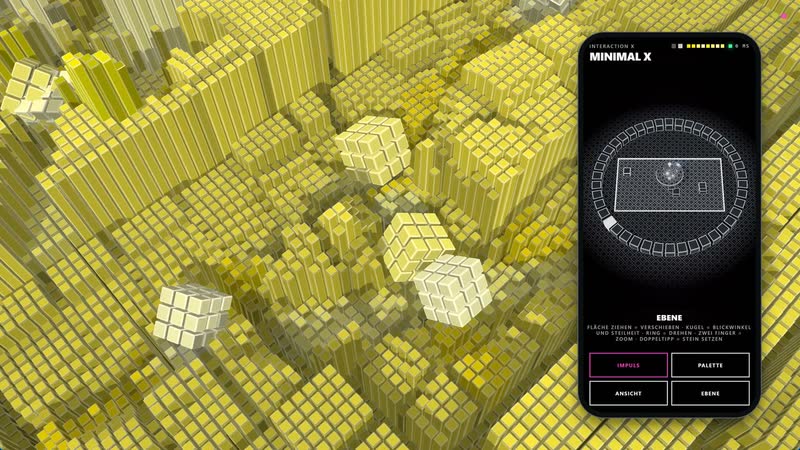
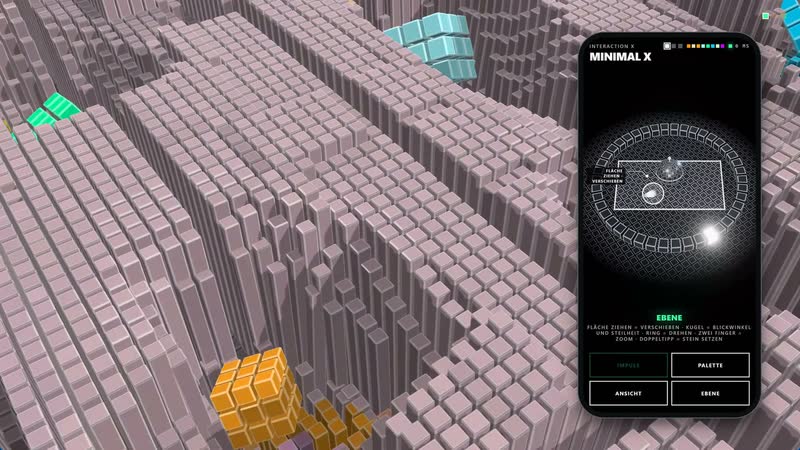
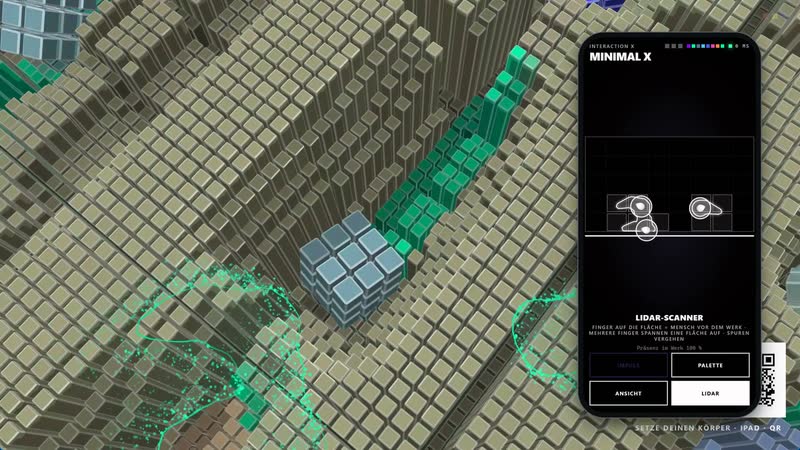
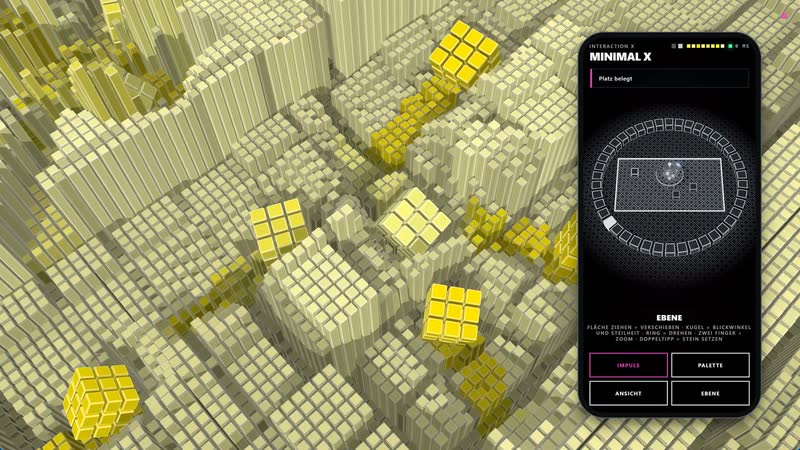
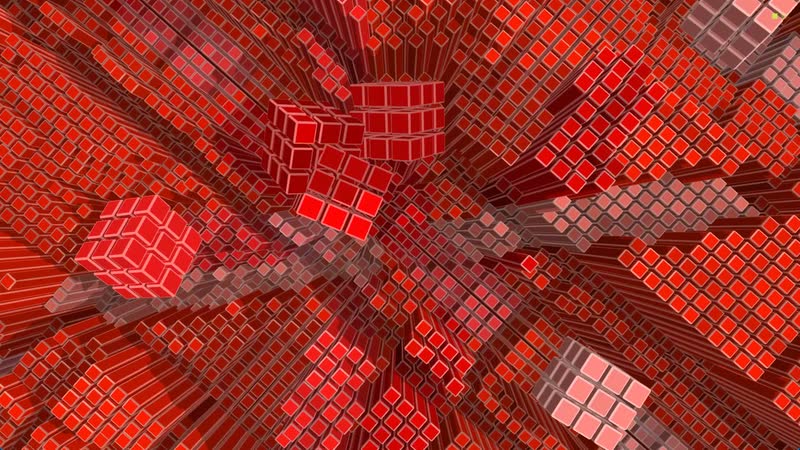
Minimal X is the interactive version of Minimal. As always, the city of columns on a grid runs in real time on the wall, with cubes rolling through the streets and ploughing tracks into the blocks. What is new is that visitors build and fly along: with their own phone, an iPad, a joystick or simply by standing in front of the wall.
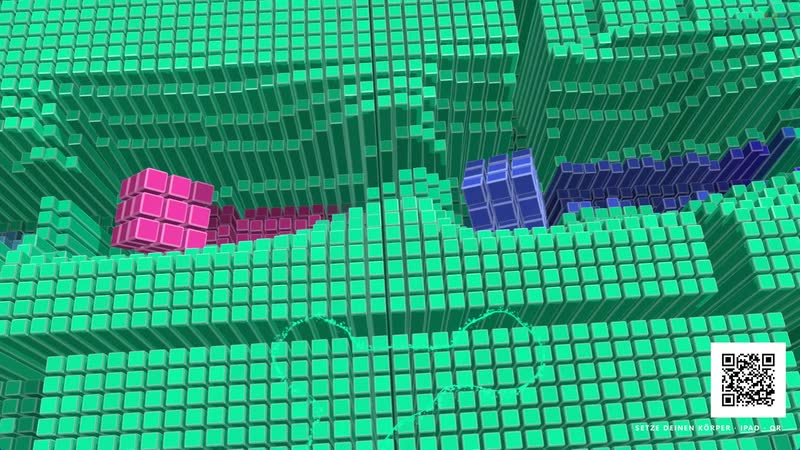
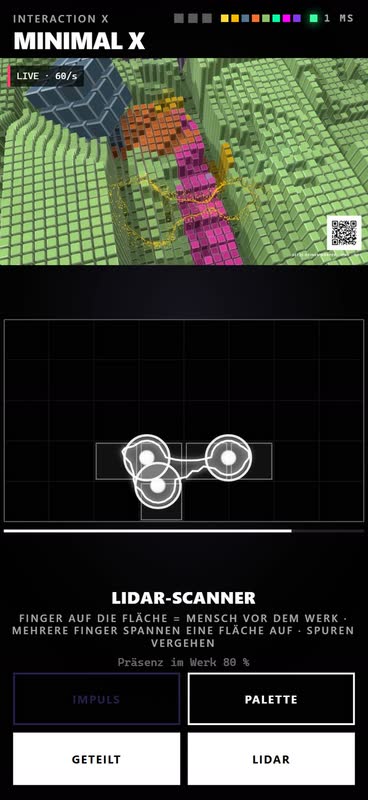
The story begins with the scanner. A LiDAR sensor notices people in front of the wall, and their silhouette appears as glowing smoke above the city. If someone stays and nobody is in control at that moment, an invitation with a QR code discreetly appears. A scan opens the controller in the browser – no app, no sign-in.
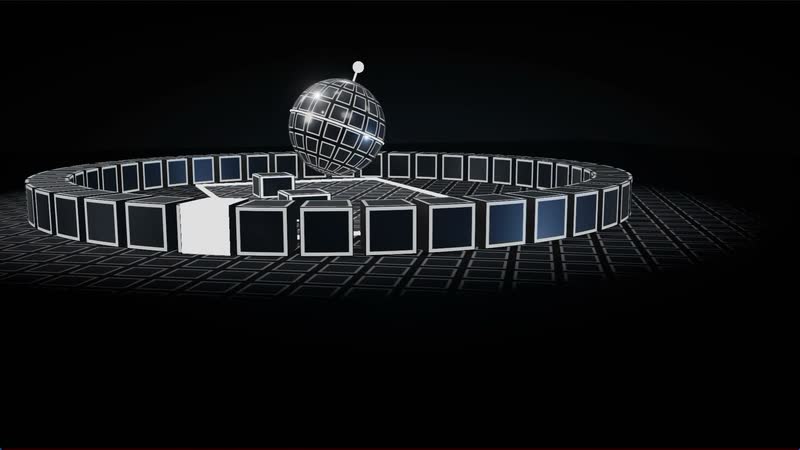
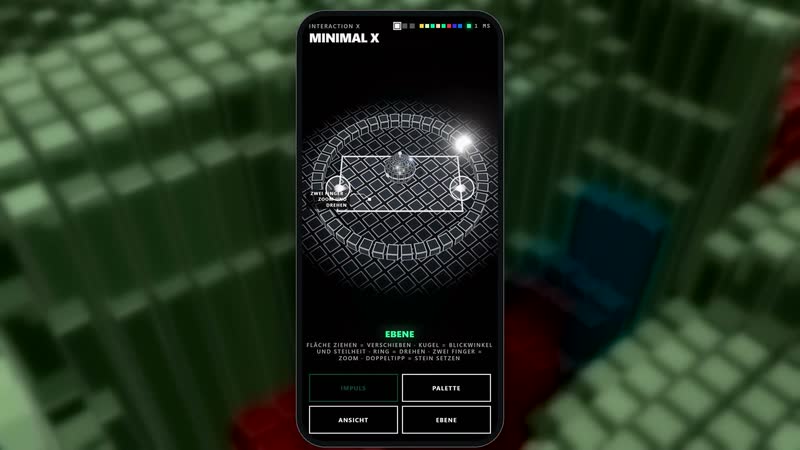
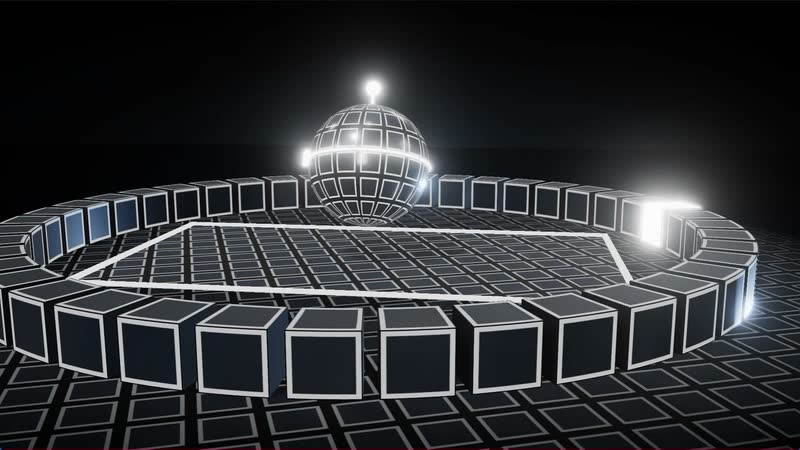
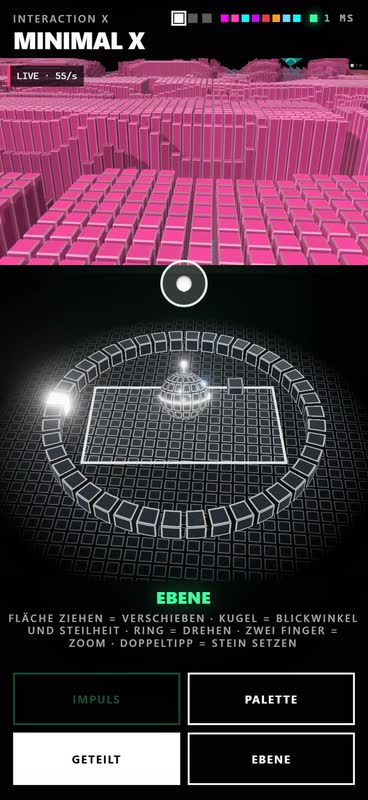
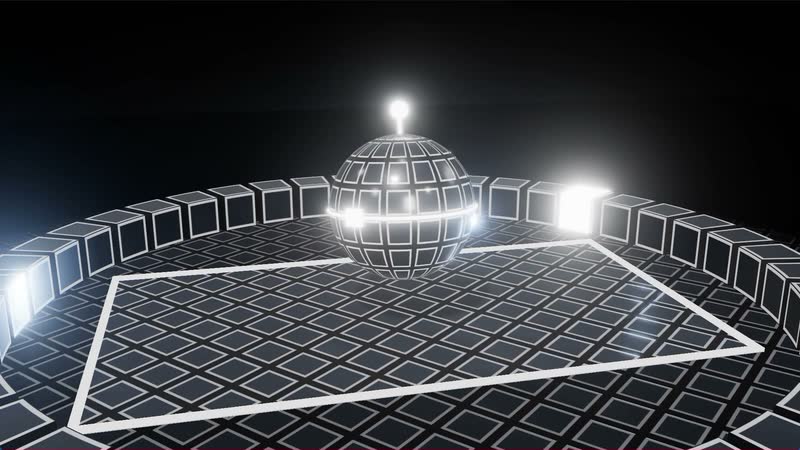
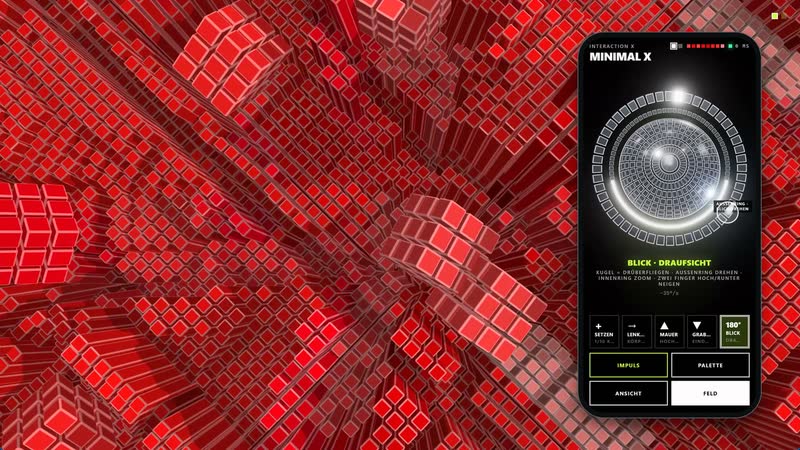
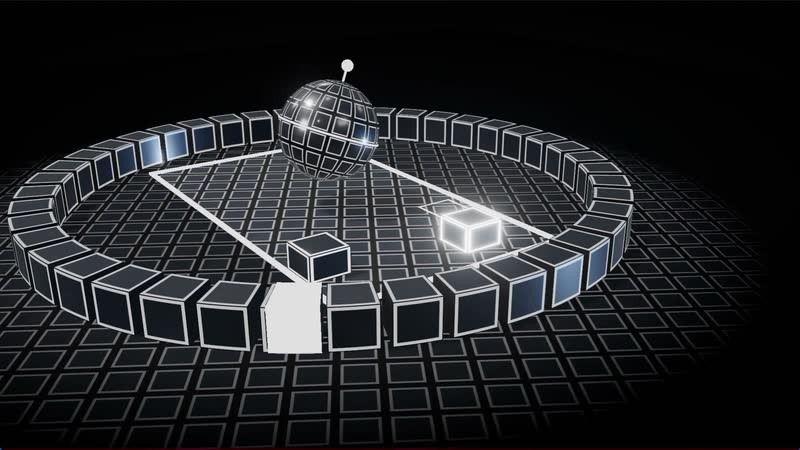
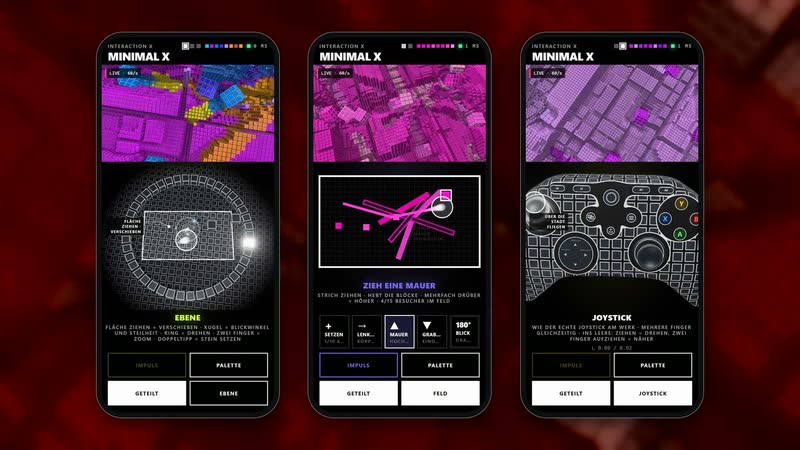
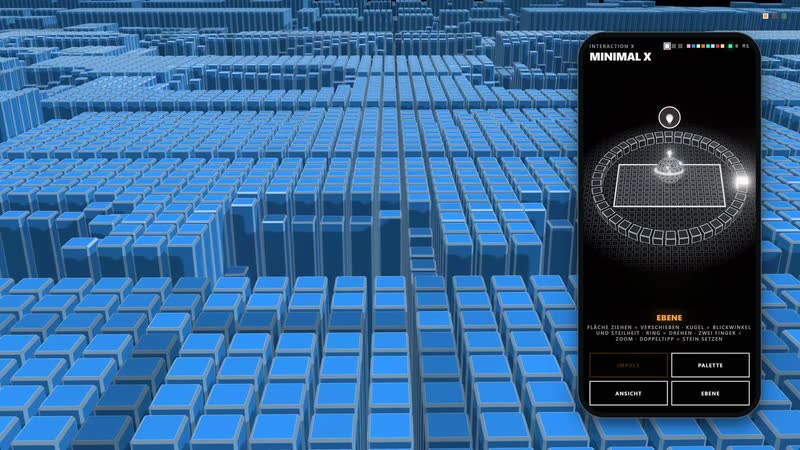
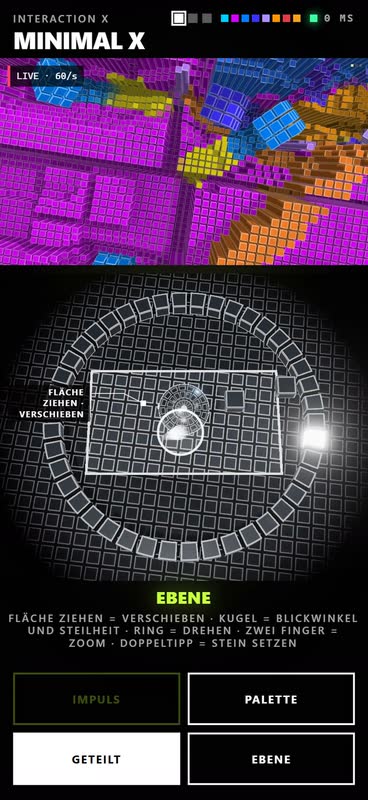
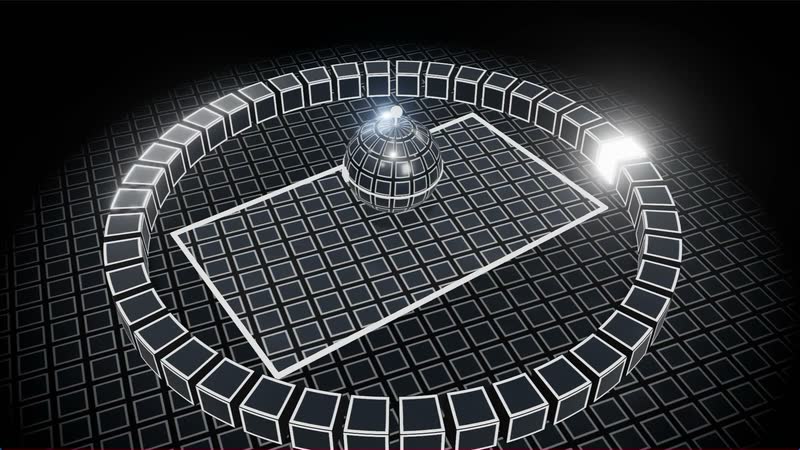
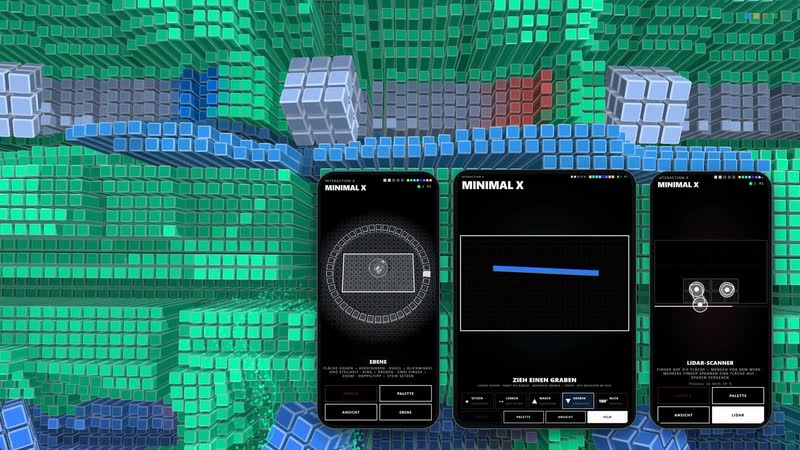
The way in is the plane. The phone shows the ground of the city, seen obliquely from above, in the same grid as the other controllers; in the middle, the white frame shows what is currently visible on the wall. The ground is fixed to the world: drag it and you fly over the city, with the work following your finger one to one. The ring around the frame turns the view, two fingers zoom and rotate. Above the frame floats a sphere that always stays in the centre: it is the surface as the camera sees it – dragged upwards, the view flattens as far as the horizon; dragged downwards, it steepens as far as the top view; dragged sideways, it turns. At the edge of the city the ground stops, just as in the work.
A double tap places a stone exactly where your finger is. Stones are the visitors’ bodies: cubes in the colours of the palette that roll through the streets and plough through the blocks. You grab your own stone and release it with a flick – it is then nudged in that direction and rolls on, gradually slowing down.
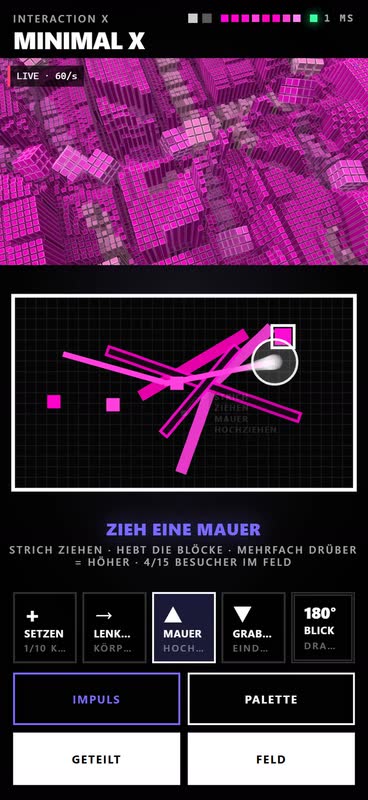
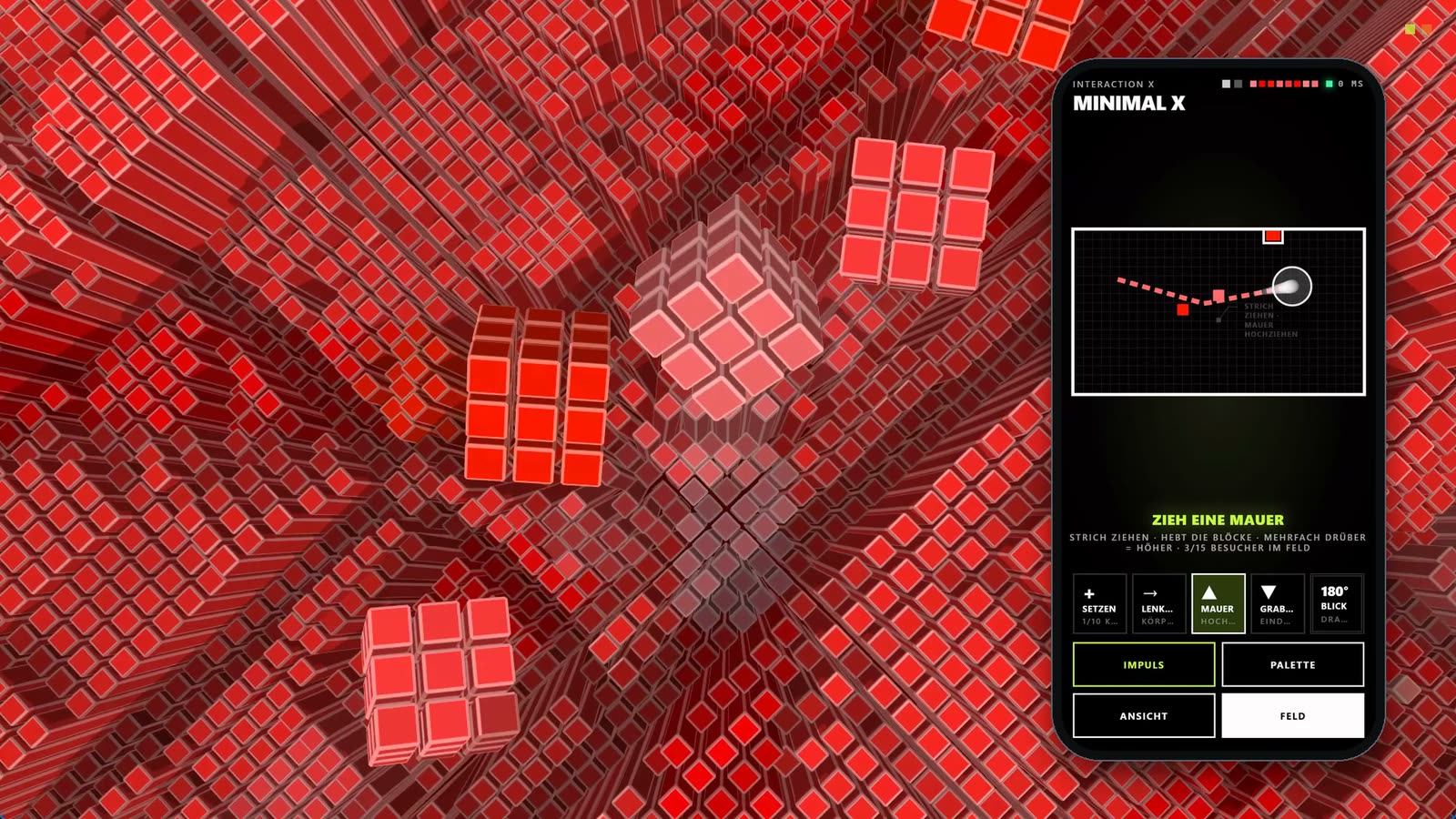
In the field you draw into the city: a wall raises the blocks along the stroke, a trench presses them down, and going over it several times makes the wall higher or the trench deeper. The field’s sphere is the globe of the top view: fly across it, turn it with the outer ring, zoom with the inner ring, tilt it with two fingers.
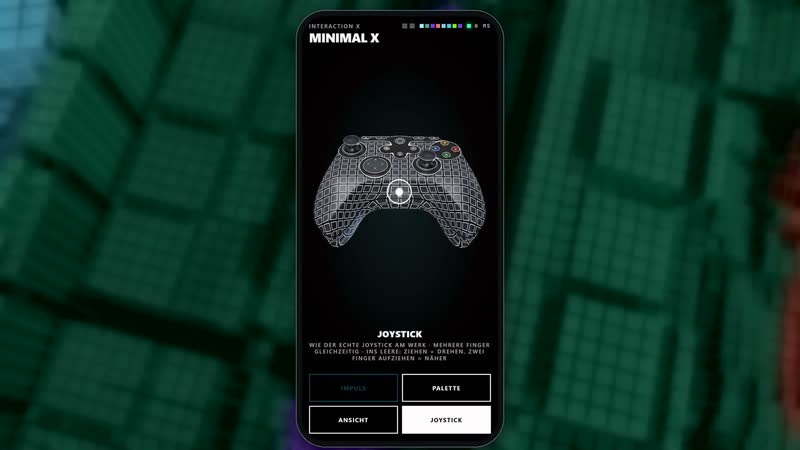
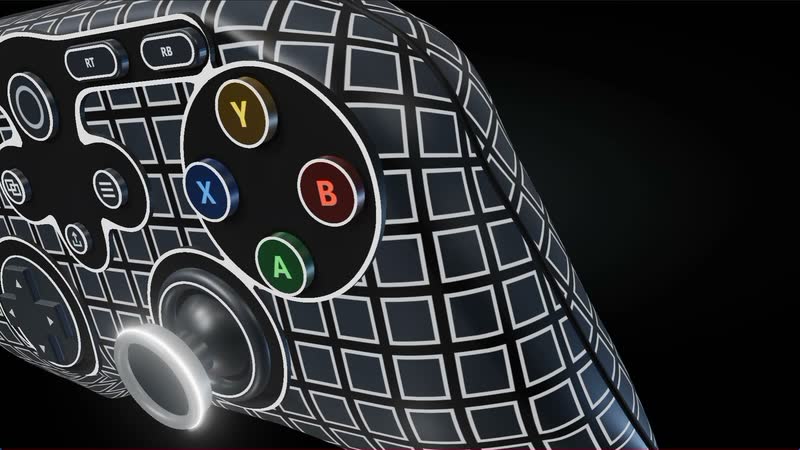
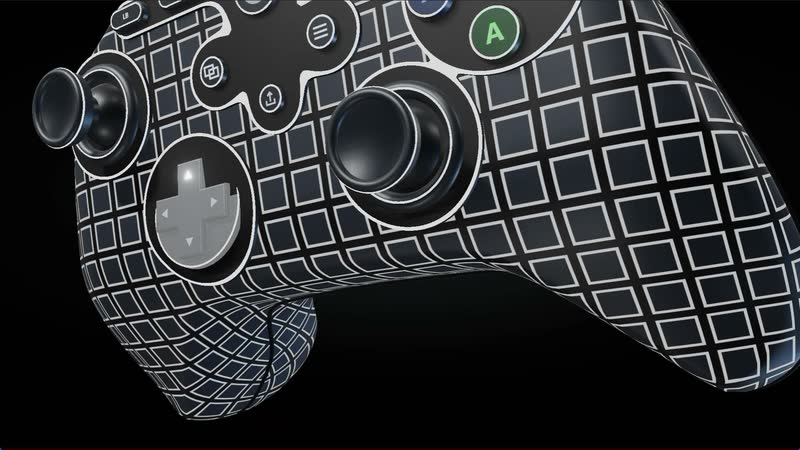
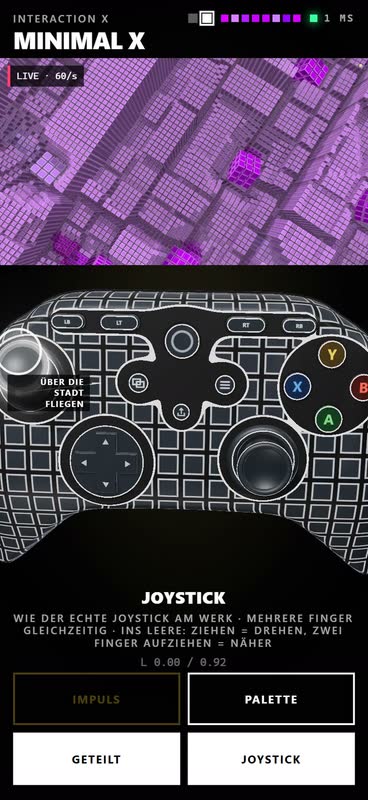
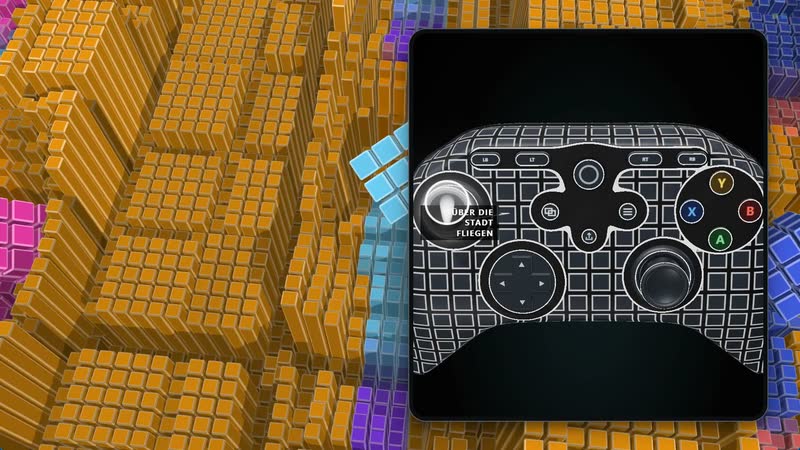
The joystick works like an Xbox controller directly on the work: the left stick flies over the city, the right one turns and tilts the view, the triggers zoom, X places a body, A gives an impulse, Y changes the colour world. In the browser it is available as a three-dimensional simulator that triggers exactly the same as the real one.
Several people build at the same time: one flies, another draws walls, someone stands in front of the scanner. The view is always held by exactly one person; stones, walls and trenches work for everyone at once. Small markers appear at the top of the work for every active person. After a while without input, the work’s own camera movement takes over again, and walls and trenches slowly sink back.
All controllers are rendered in three dimensions, with soft light, shadows and an afterglow on the white edges – the plane with its ring of cuboids and the floating sphere, the field’s view sphere, the joystick down to the D-pad. Placed stones appear as small cubes on the ground, every button lights up when pressed. The close-ups show them from every angle.
Technically, a dedicated Qt server on the local network connects controllers, joystick, scanner and work. What is being controlled is always the real render engine, not a video. Fine guide lines explain each control as soon as you touch it for the first time.
Videos
9-
Minimal XInteractionInteraktion
Minimal X Interaction – Summary
-
Minimal XInteractionInteraktion
Minimal X Interaction – Invitation – Scanner and QR code
-
Minimal XInteractionInteraktion
Minimal X Interaction – Plane
-
Minimal XInteractionInteraktion
Minimal X Interaction – Sphere
-
Minimal XInteractionInteraktion
Minimal X Interaction – Stones
-
Minimal XInteractionInteraktion
Minimal X Interaction – Field – Walls and trenches
-
Minimal XInteractionInteraktion
Minimal X Interaction – Joystick
-
Minimal XInteractionInteraktion
Minimal X Interaction – Together
-
Minimal XInteractionInteraktion
Minimal X Interaction – Close-ups