
Sculpt X Interaction
The sculpture in your hand – ring, sphere, joystick and scanner
Document 2026.10.208 · CC BY-NC-ND 4.0
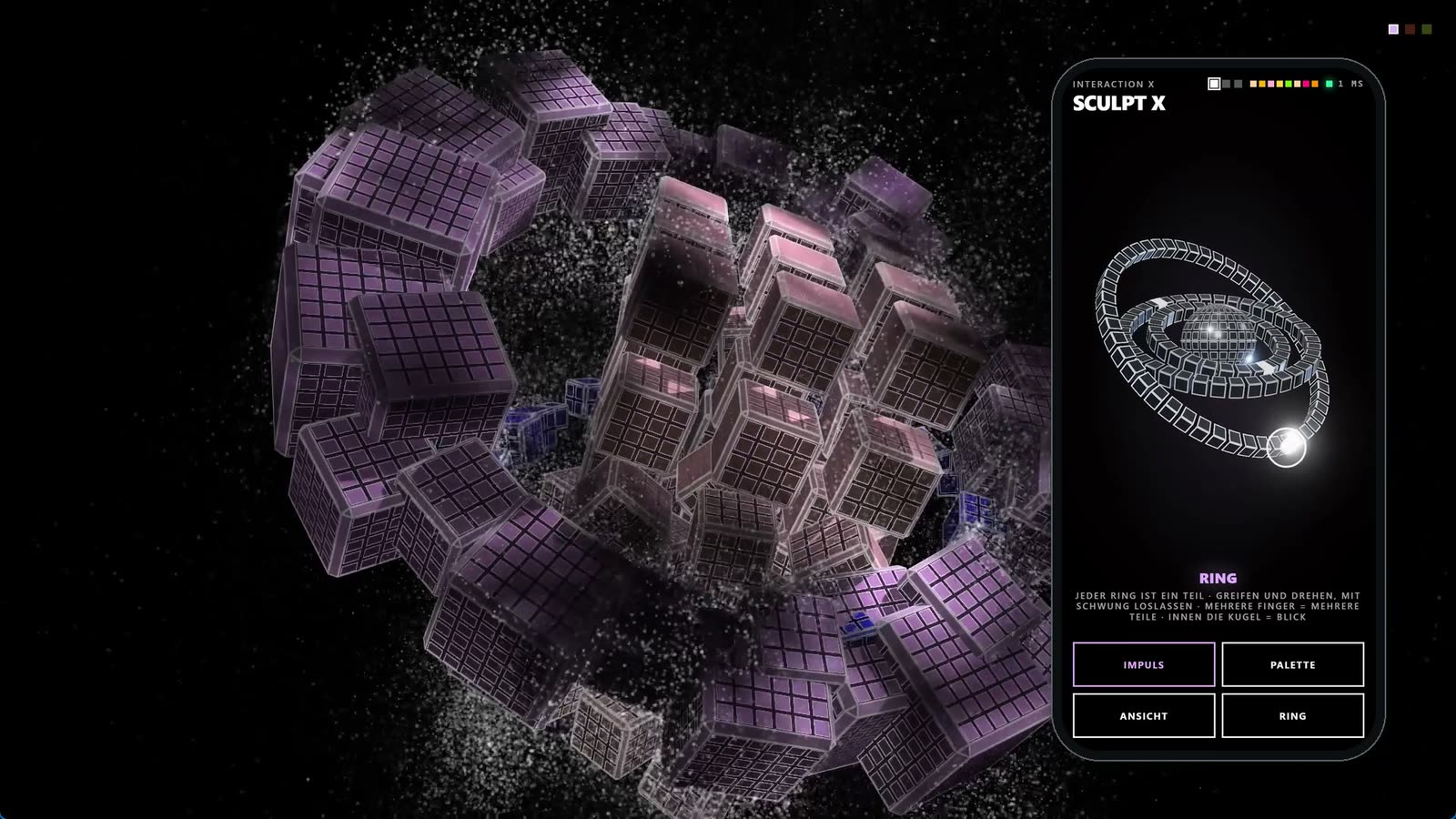
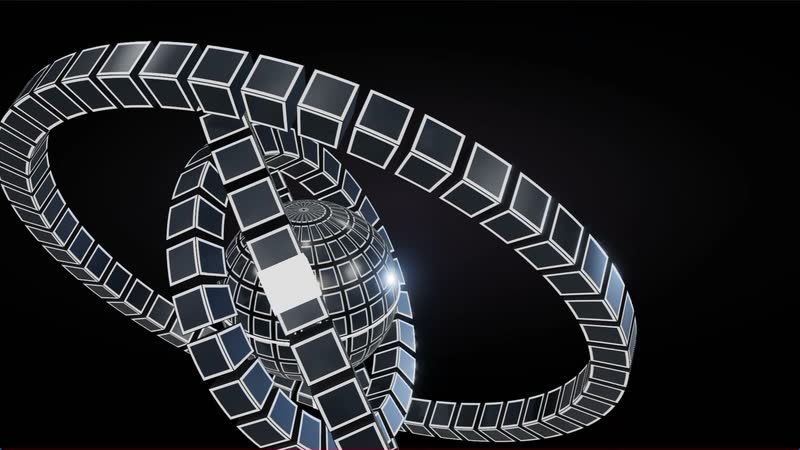
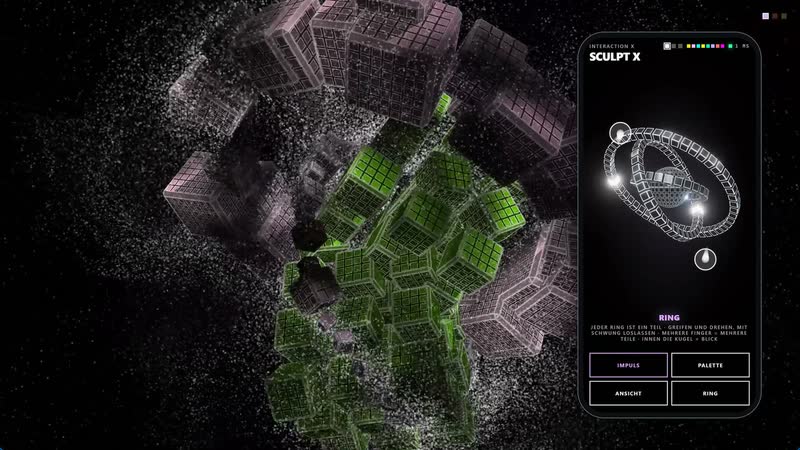
Sculpt X is the interactive version of the Sculpt sculptures. As always, the work runs in real time on the wall – rings, spheres and cubes turning and tilting in their own rhythms. What is new is that visitors can intervene: with their own phone, an iPad, a joystick or simply by standing in front of the wall.
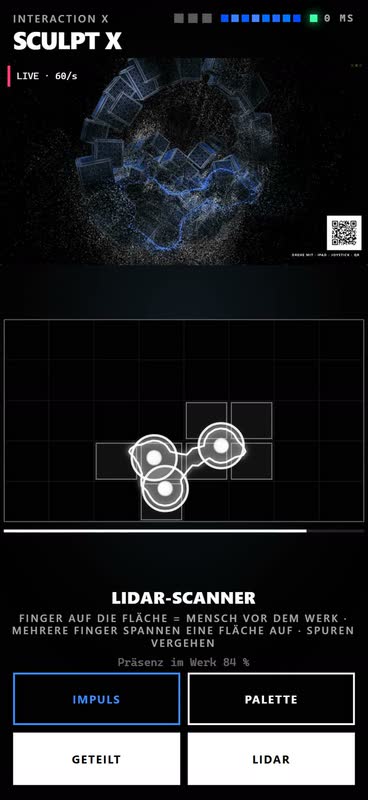
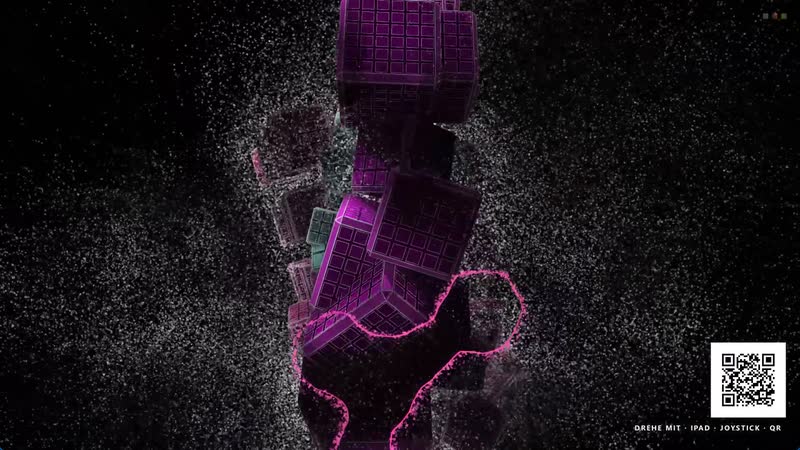
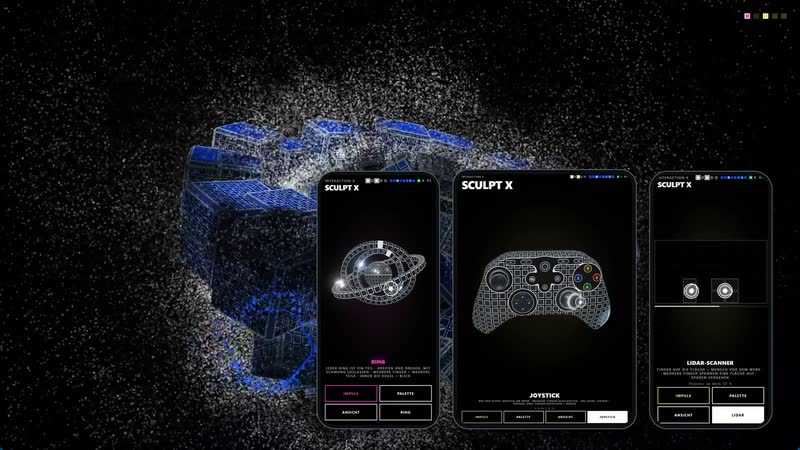
The story begins with the scanner. A LiDAR sensor notices people in front of the wall, and their silhouette appears in the work as glowing smoke. If someone stays and nobody is in control at that moment, an invitation with a QR code discreetly appears. A scan opens the controller in the browser – no app, no sign-in, and after a second the first gesture takes effect.
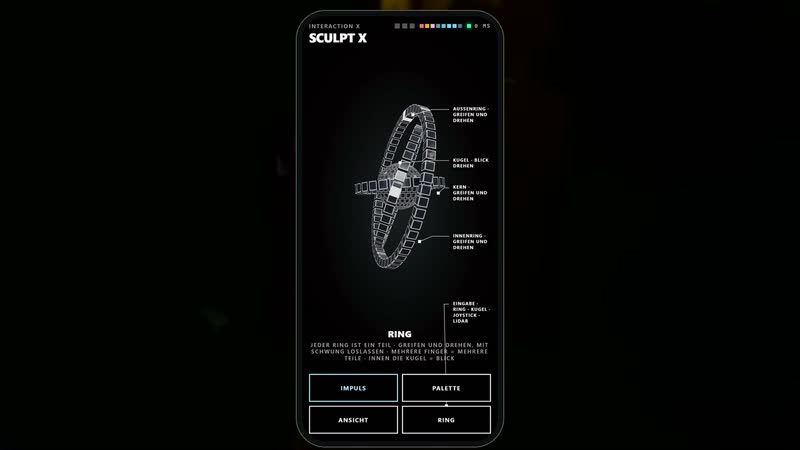
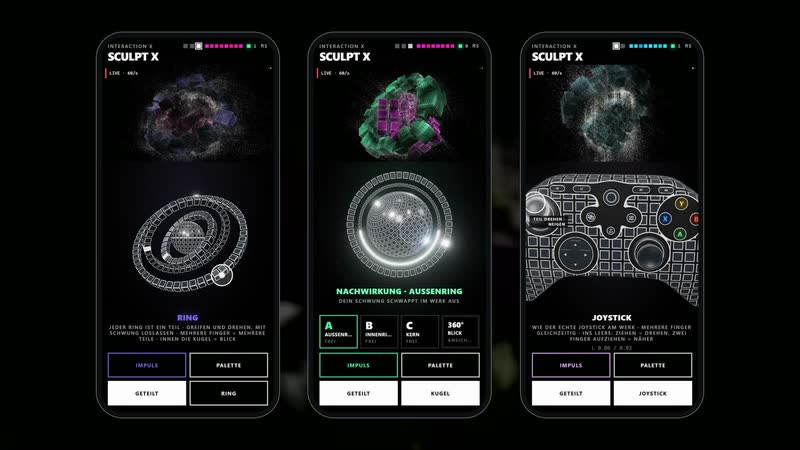
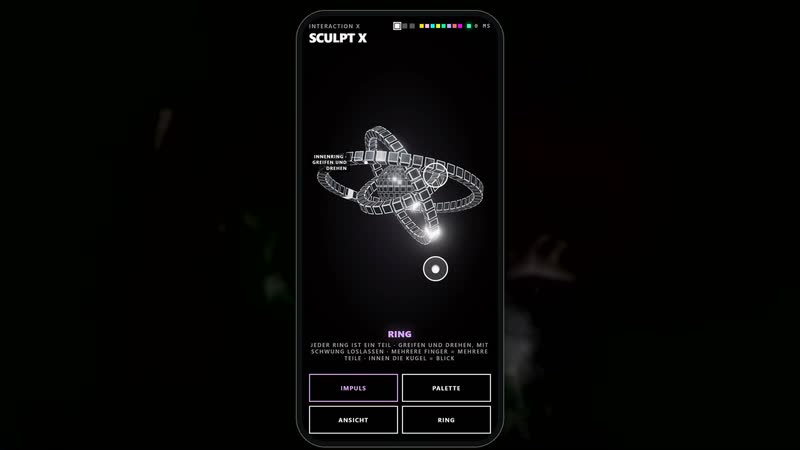
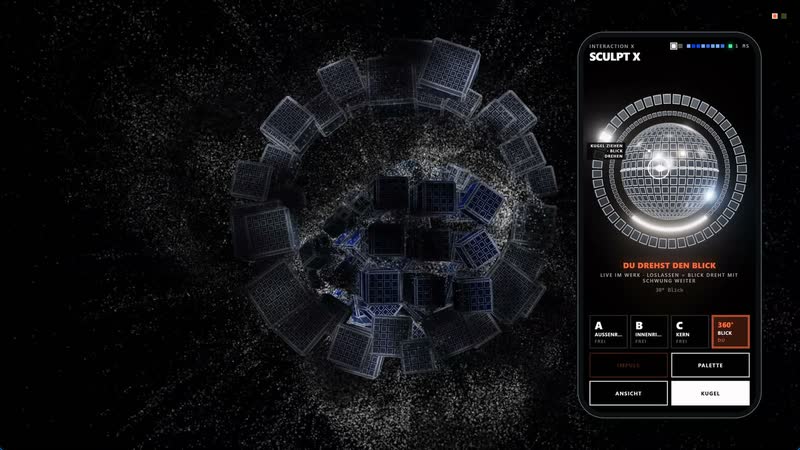
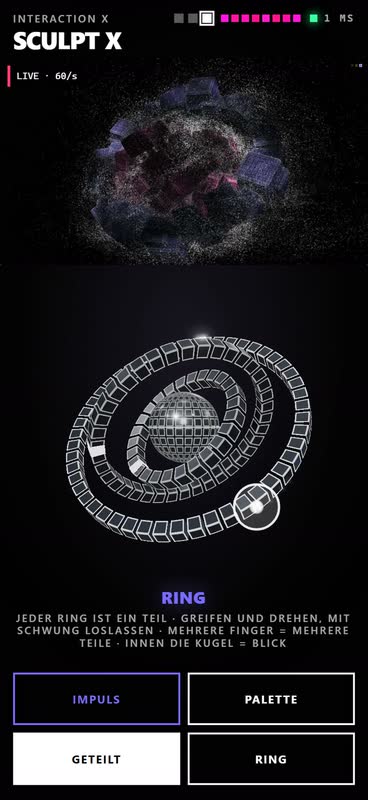
The way in is the ring. On the phone, every part of the sculpture is a ring: the outer part on the outside, the core on the inside, as many rings as the sculpture has parts. Each ring sits exactly as its part currently lies in the work – the controller is a small, living copy of the sculpture. Grabbing and dragging a ring turns the part one to one in any direction; dragged along the ring, it spins about its own axis. Released with a flick, it speeds up, keeps running like a flywheel and sloshes back to rest in a ping-pong wave. Several fingers hold several parts at once, a second finger changes the size. The small sphere in the centre turns the view around the sculpture.
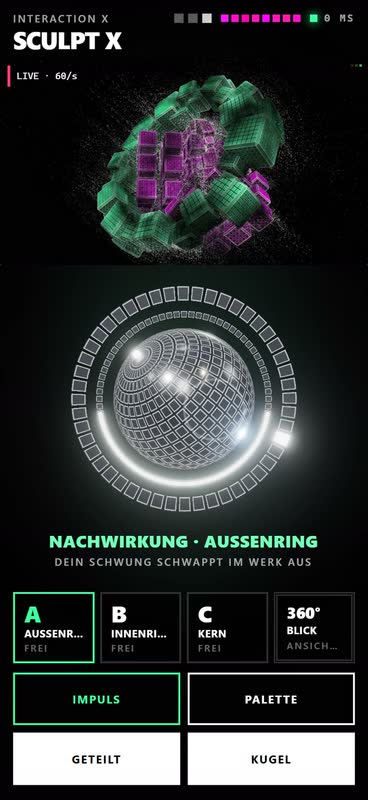
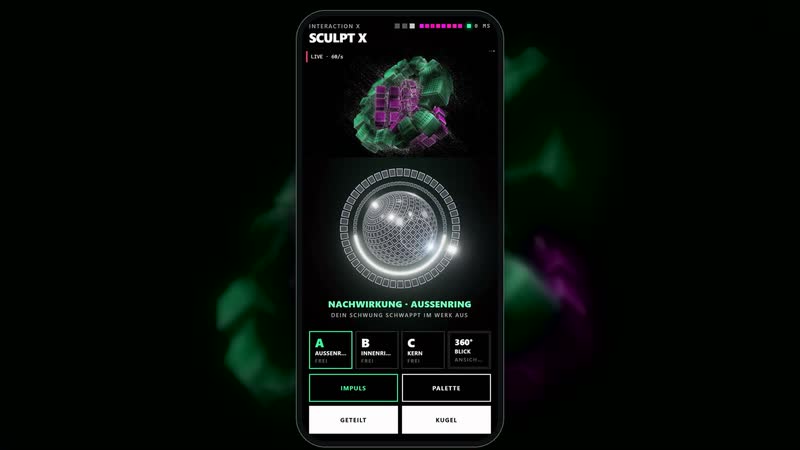
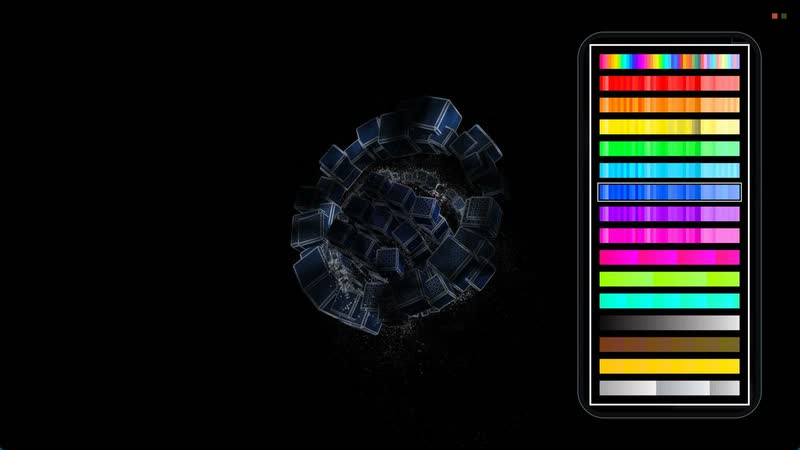
Anyone who wants to go deeper switches over. The sphere is a sticky trackball for a selected part: its outer ring turns the part about its own axis, the inner ring changes its size. In the 360° view you circle the whole sculpture and zoom in; when released, the view keeps turning with momentum, then the work’s own camera movement takes over again. An impulse gives a part a burst of speed; the palette sends one of the system’s sixteen colour worlds into the work as a wave.
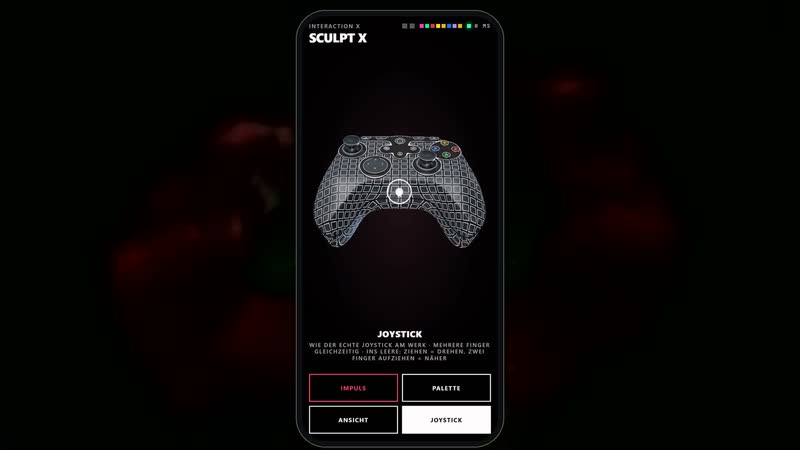
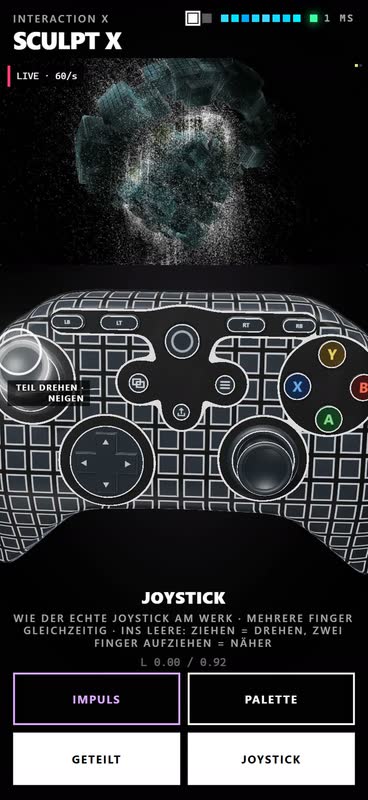
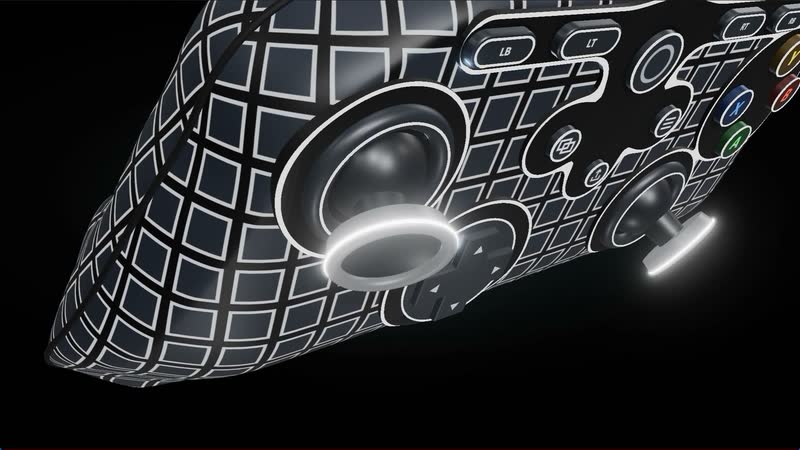
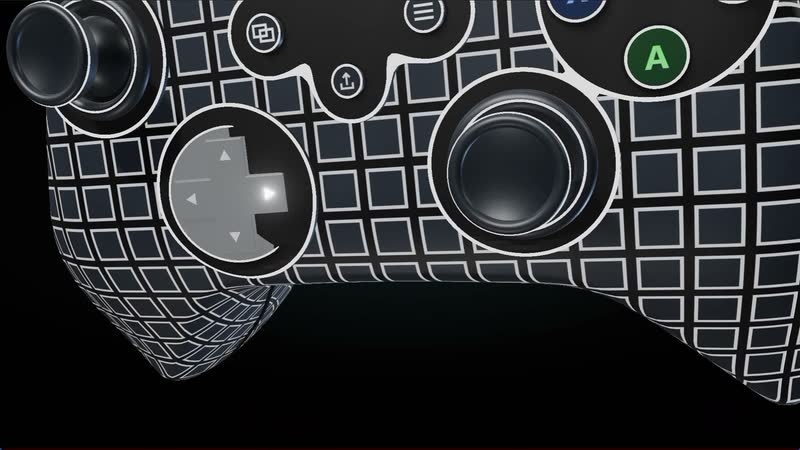
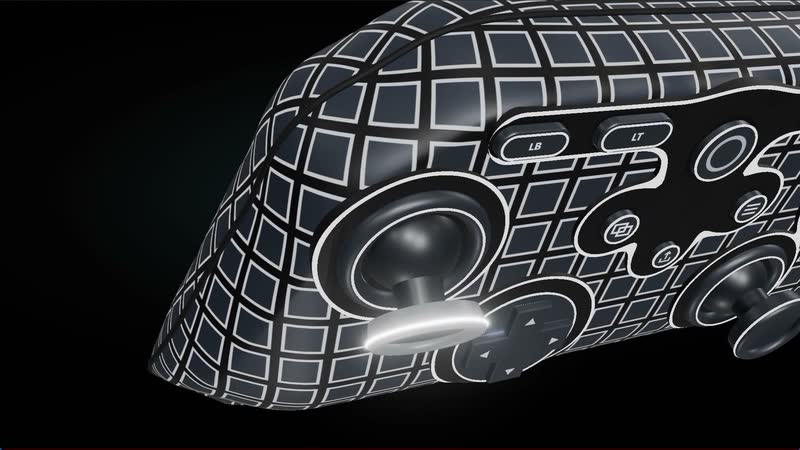
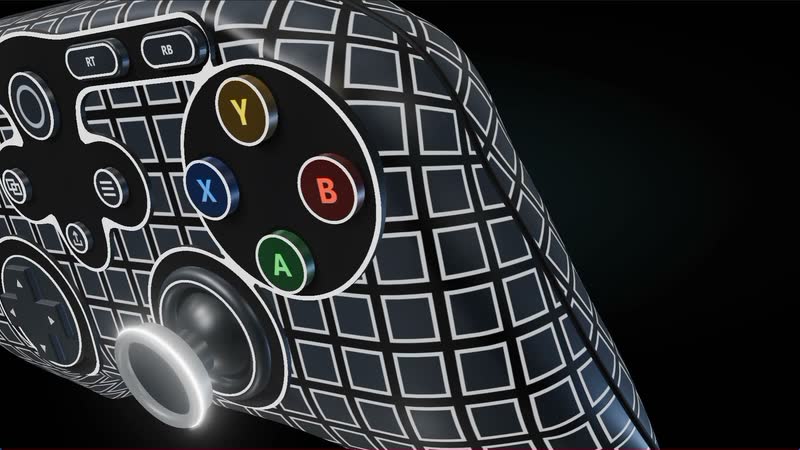
The joystick works like an Xbox controller directly on the work: the left stick turns and tilts the part, the triggers make it smaller and larger, LB and RB switch parts, the right stick guides the view, A gives an impulse, Y changes the colour world. In the browser it is available as a three-dimensional simulator – built to the measurements of the original, operable with several fingers at once, freely rotatable and zoomable with two fingers. It triggers exactly the same as the real joystick.
Several people can play at the same time. Each part has exactly one owner: whoever grabs it holds it; others see “in use” and are offered a free part. Small markers appear at the top of the work for every active person. Phone, iPad, joystick and scanner work in parallel. After release, everything keeps swinging, then autoplay takes over again – the work remains a work, not a game.
All controllers are rendered in three dimensions, with soft light, shadows and an afterglow on the white edges – the rings made of cuboids, the sphere with its outer and inner ring, the joystick down to the D-pad. Every movement of the work is mirrored in them, every button lights up when pressed. The close-ups show them from every angle.
Technically, a dedicated Qt server on the local network connects controllers, joystick, scanner and work, with clear rules for ownership, handover and expiry. What is being controlled is always the real render engine, not a video. Fine guide lines explain each control as soon as you touch it for the first time.
Videos
8-
Sculpt XInteractionInteraktion
Sculpt X Interaction – Summary
-
Sculpt XInteractionInteraktion
Sculpt X Interaction – Invitation – Scanner and QR code
-
Sculpt XInteractionInteraktion
Sculpt X Interaction – Ring
-
Sculpt XInteractionInteraktion
Sculpt X Interaction – Sphere
-
Sculpt XInteractionInteraktion
Sculpt X Interaction – Joystick
-
Sculpt XInteractionInteraktion
Sculpt X Interaction – Together
-
Sculpt XInteractionInteraktion
Sculpt X Interaction – On the smartphone
-
Sculpt XInteractionInteraktion
Sculpt X Interaction – Close-ups
Images
28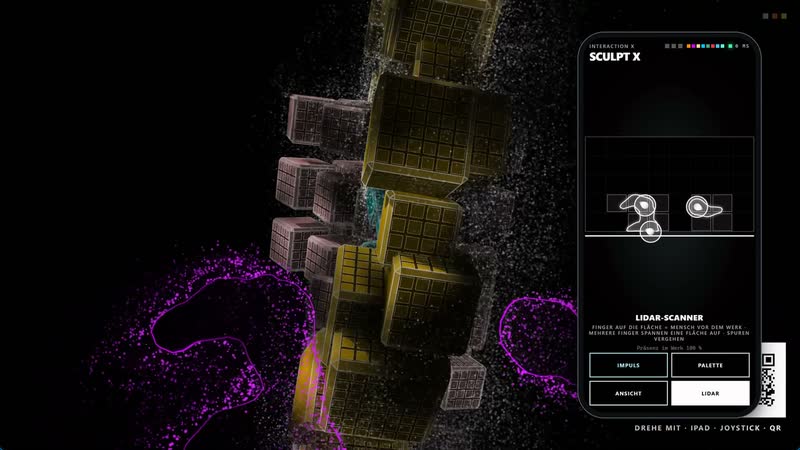






2 more in the archiveNew selection