
Minimal Ring – Across the Corner
One work folding around the corner of the room across two walls
Visualisation of a fictional space – not a realised project.
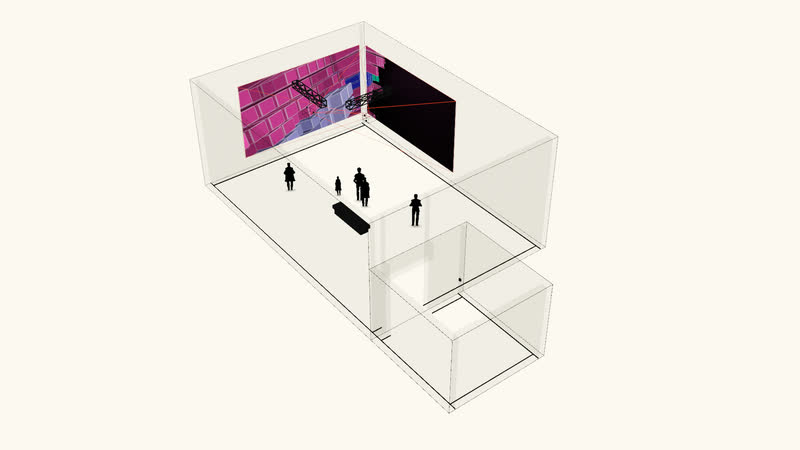
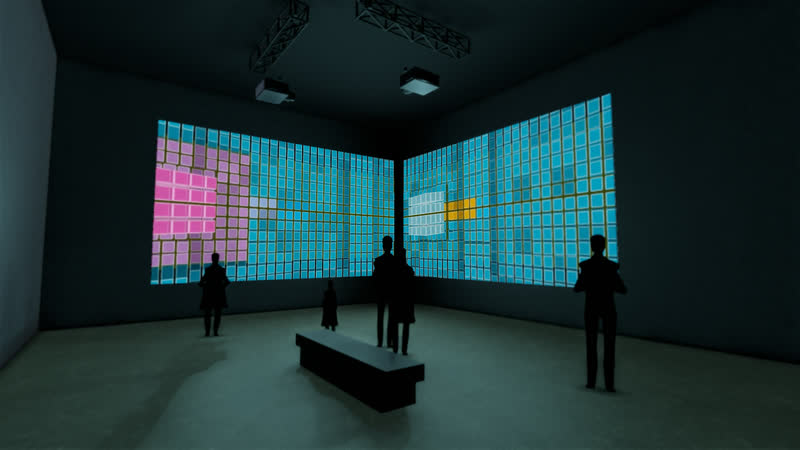
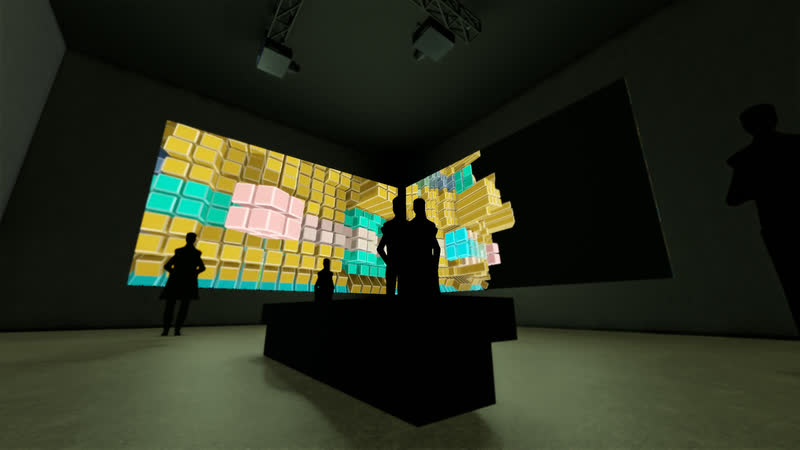
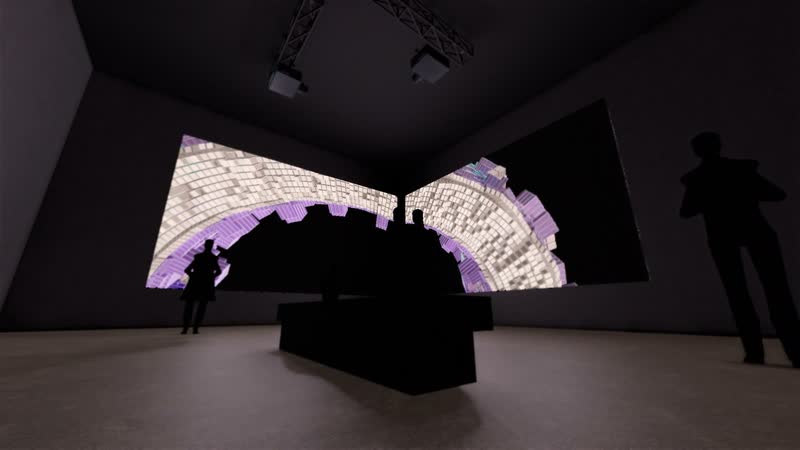
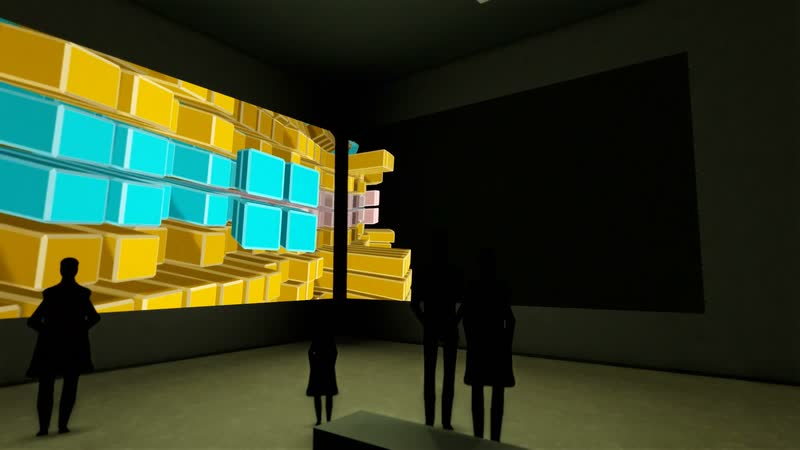
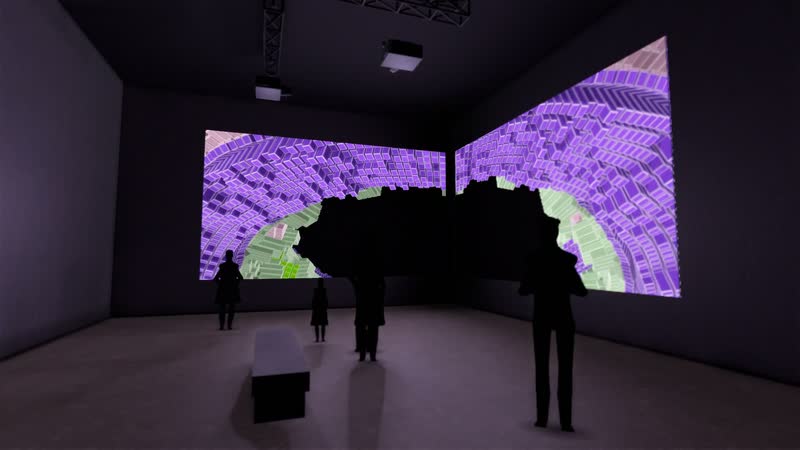
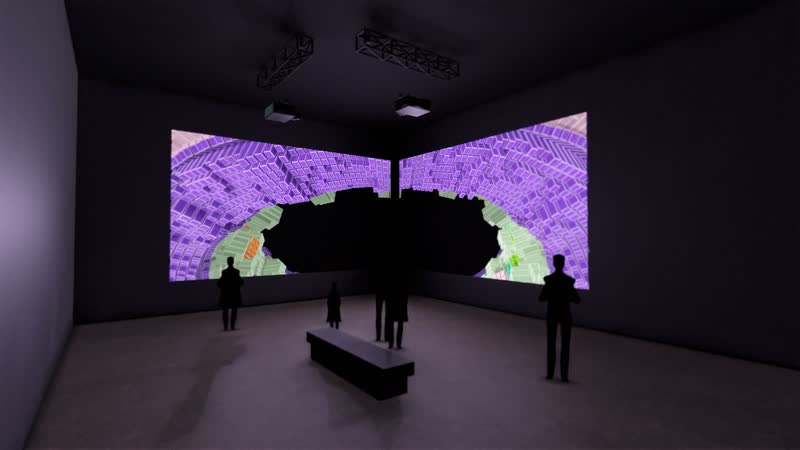
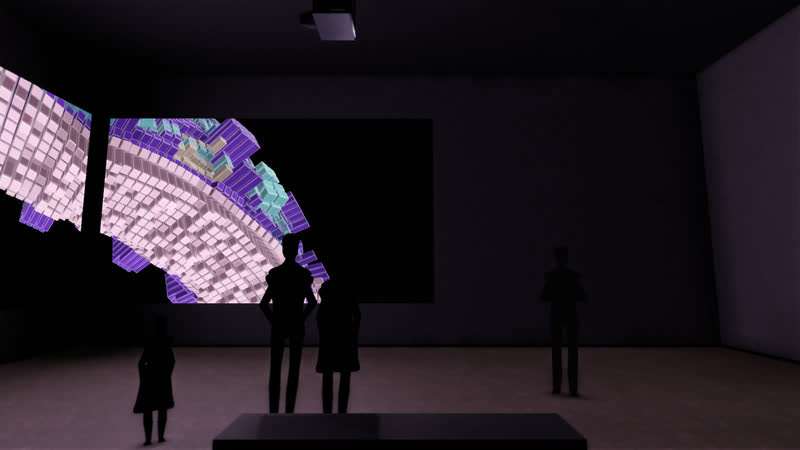
“Spalten” from the Minimal Ring series runs across two walls that meet in a corner: the left half of the image lies on the west wall, the right half on the north wall.
The corner of the room folds the image in the middle. Depending on where one stands, the work opens like a book or closes into a space around the viewer. Each wall carries an image more than seven metres wide; the bottom edge lies just under one metre – one stands close in front of it.
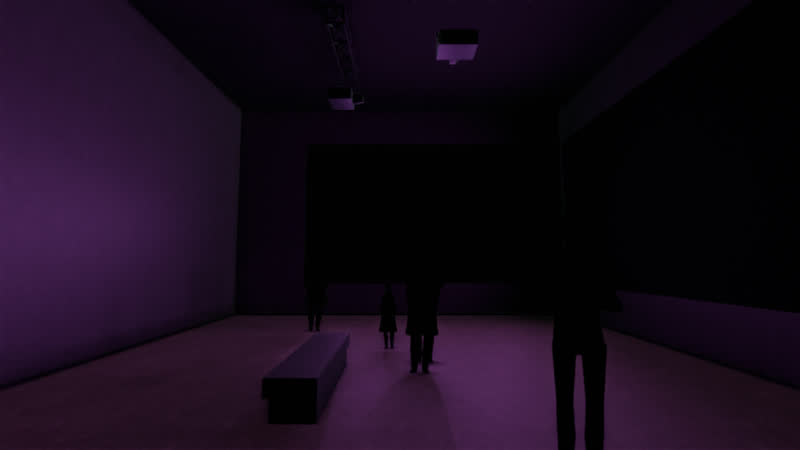
Visitors come through a low anteroom and first see the corner from diagonally opposite, where the fold has its strongest effect. A bench in the middle of the room invites longer looking.
Technical details
What it takes to build this space: dimensions, equipment, brightness.
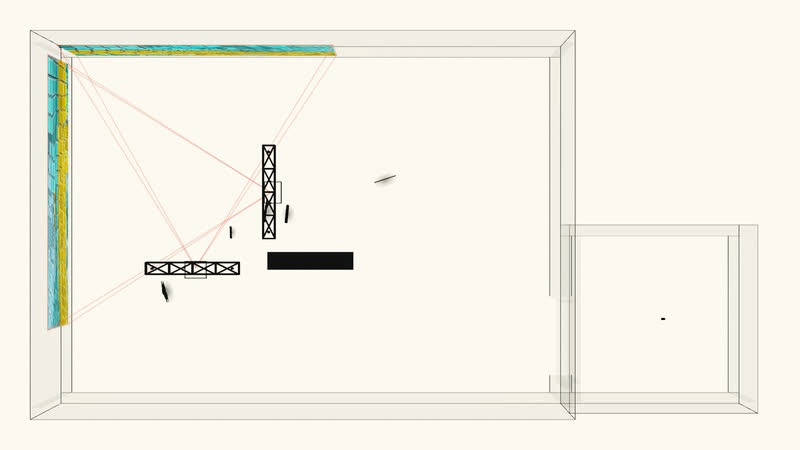
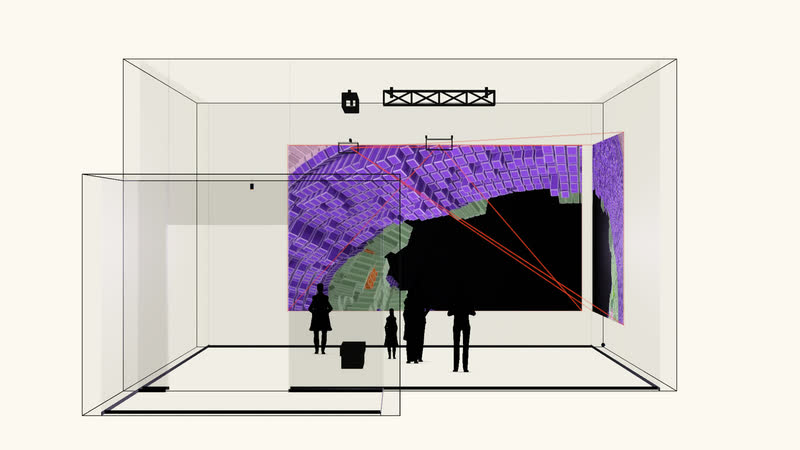
Two Panasonic PT-MZ882 projectors with ET-ELW22 lenses (short-throw zoom), 8,200 lumens each, hang from cross trusses. Each partial image measures 7.20 × 4.05 m with its bottom edge at 0.90 m; the throw distance is 5.82 m (throw ratio 0.81:1, lens shift -45% vertical). Calculated luminance on the wall: approx. 90 cd/m². Alternatives, price range and all dimensions per device are listed in the equipment list; floor plan, section and axonometric view show the projection cones.
Room
The room of the scenario and how the images are placed in it.
- Room
- exhibition room with anteroom
- Configuration
- across the corner – one video, left half on the west wall, right half on the north wall
| Room | Width | Depth | Height |
|---|---|---|---|
| Corner | 14 m | 10 m | 6 m |
| Anteroom | 5 m | 5 m | 3.8 m |
Projection
How the images are created: equipment, image size, distance and mounting.
2 × Projector
7.2 m × 4.05 m per image
- Bottom edge
- 0.9 m
- Distance
- 5.82 m
- Throw ratio
- 0.81 : 1
- Lens shift
- -45 % vertical
- Mounting
- on the truss
All partial images come from one video – they are played back in sync.
Brightness
Whether the image will be bright enough: luminance achieved against the target value. The line in the bar marks the target value.
2 × Panasonic PT-MZ882bright enough
- Luminance
- 90 cd/m²
- Target value
- 60 cd/m²
- required luminous flux
- 7,145 lm
- Luminous flux
- 8,200 lm
Equipment
The reference devices used for the calculations. Devices of the same class are equally suitable.
Panasonic PT-MZ882
- Lens
- ET-ELW22 (Short-Throw-Zoom)
- Luminous flux
- 8,200 lm
- Weight
- 18.6 kg
Alternatives (2)
| Model | Lens | Luminous flux | Luminance |
|---|---|---|---|
| Barco G62-W9 | R9801840 G lens 0.75-0.95:1 (Short Throw) | 9,500 lm | 104 cd/m² |
| Panasonic PT-REZ15 | ET-C1W400 (Weitwinkel-Zoom) | 15,000 lm | 164 cd/m² |
Price range and equipment list on request.
Drawings
Axonometric view, floor plan and section show the space and the projection cones.
Glossary
- Throw ratio
- Distance divided by image width. At 0.8 : 1, the projector for an image 6 m wide stands 4.8 m away.
- Lens shift
- Shifts the image within the lens without tilting the projector – so it stays rectangular.
- Luminous flux
- How much light the projector emits, in lumens.
- Luminance
- How bright the image surface appears to the eye, in candelas per square metre. In a dark room, about 60 is enough.
- Bottom edge
- The height of the bottom edge of the image above the floor.
- Synchronised playback
- Several projectors show parts of the same video; a media server keeps them in frame-accurate sync.
Images
9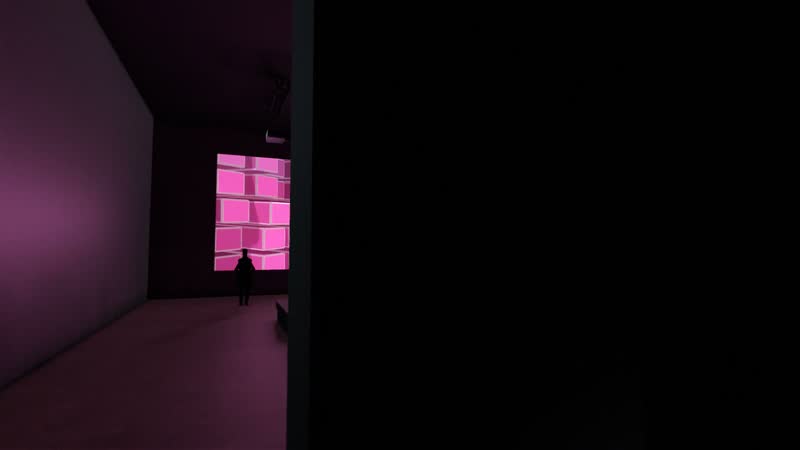
Works used
1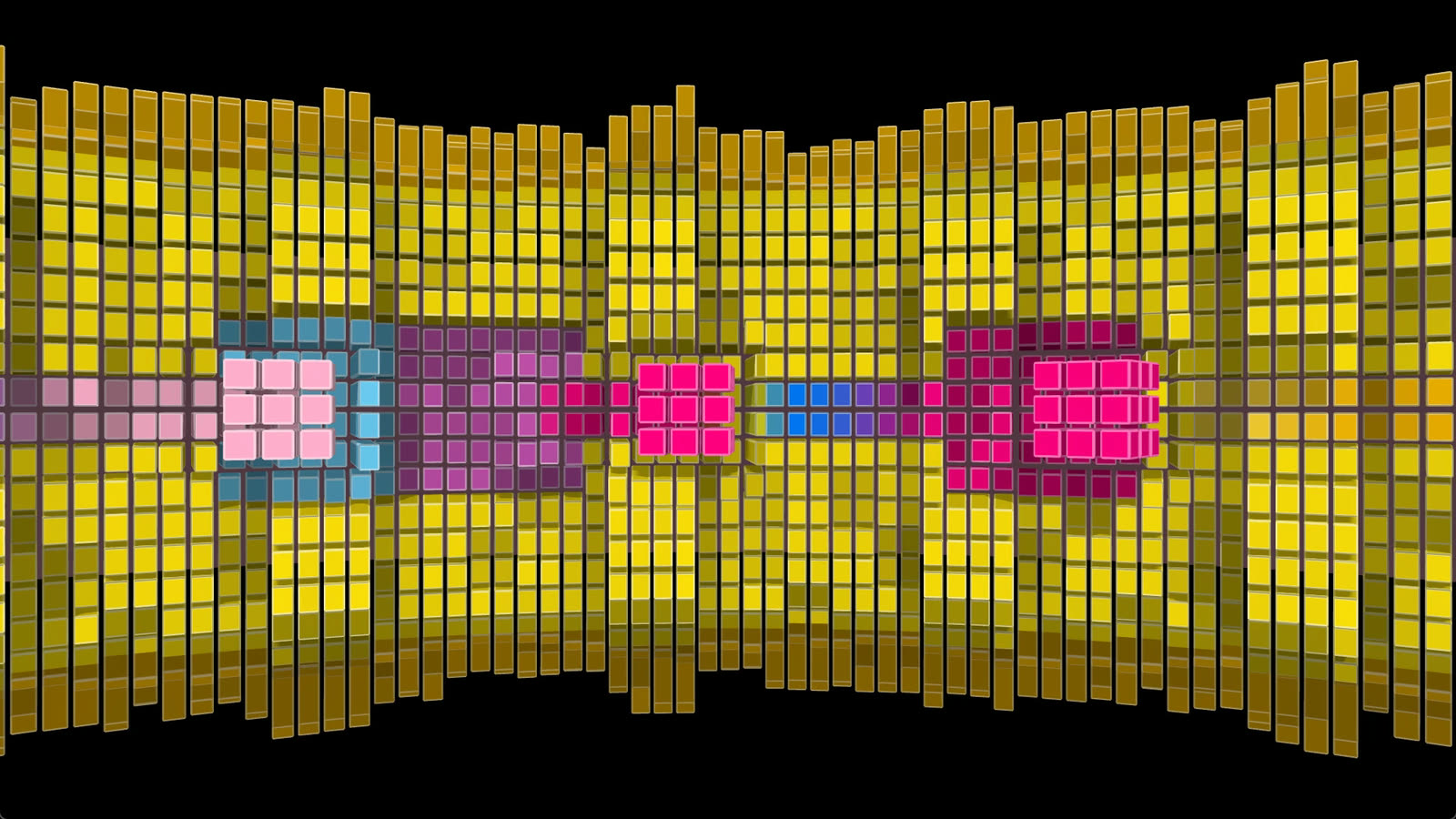
Discuss an installation for your venue
The scenario can be adapted to a real space – floor plan, dimensions, technology. Write and tell us where.
More scenarios
-
Film 1:10 VisualisationMuseum Kreisel – Panorama One work across two projections, 14 metres of image width
-
Film 1:13 VisualisationMuseum Minimal – Colour Room Three works, three walls, a room made of colour
-
Film 1:10 VisualisationMuseum Raw Cube – Portrait Format One work across two stacked projections, 5.6 metres high
-
Film 1:12 VisualisationIndustry Ring Quader – Hall One work as a triptych, 18 metres wide, in an industrial hall
-
Film 1:09 VisualisationStage Ring Quader – Stage Three works in the truss cage of a concert stage
-
Film 1:12 VisualisationMuseum Minimal Sphere – Grid One work on four projections, twelve metres wide, in a high hall with a gallery